Your whole library, cut to the beat
Point Kinetik Collage at a folder of any size. It walks every subfolder in the browser, reads dates, cameras, locations and special-media flags from the files themselves, and lets you search and pick the frames that matter. Picked frames play as a collage that breaks into slideshows, panoramas and floating worlds on the beat of your track, then folds back together.
How it works
Send it as a card
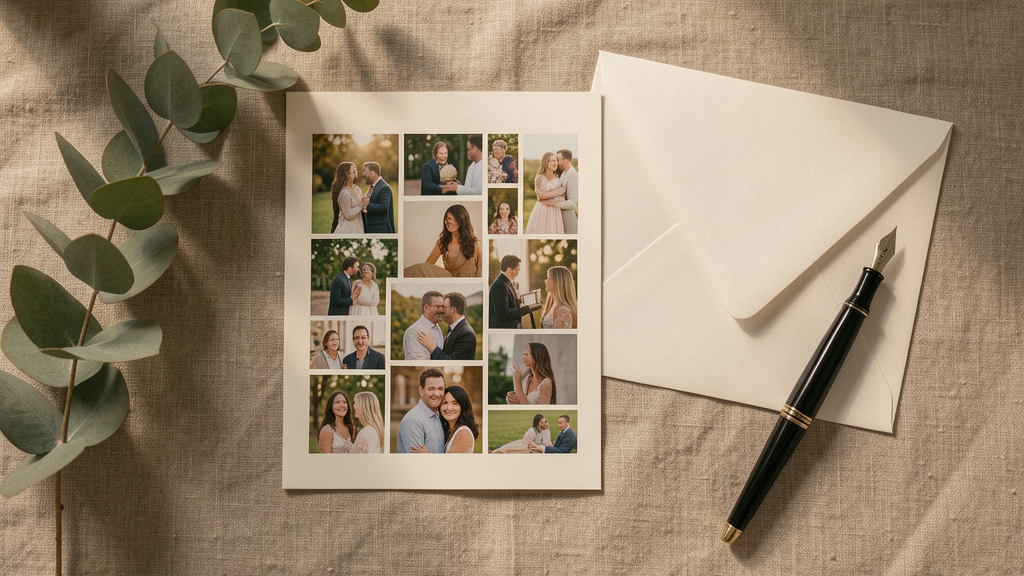
Press Card to set your picked frames on a 5 × 7, square or 7 × 5 card with an occasion, a headline, a message and a sign-off. The photos are laid out in justified rows, so nothing is squashed and faces keep their headroom.
- Gmail on the web: Copy for Gmail puts the finished card on your clipboard; Open Gmail draft starts a message with the subject and wording filled in, then paste the card.
- Apple Mail, Outlook, Thunderbird: Email draft (.eml) saves a ready-to-send message with the photo band inside it and the wording as real text.
- Phone: Share hands the card to Messages, Gmail or any app on the share sheet.
- Interactive: the HTML file opens each frame uncropped. Mail apps do not run interactive pages, so send it as an attachment.